The $20 Click Trap: Why Your Ad Strategy Is Bleeding Money
Broad targeting creates expensive, low-quality clicks. Here's how to stop wasting ad spend on tire kickers and focus on qualified merchants.
TL;DR
Most Shopify app founders waste ad budget on broad targeting. Separate campaigns for exact vs broad keywords, target specific merchant segments, and eliminate tire kicker traffic to reduce CAC.
Who This Is For
B2B SaaS founders and Shopify app developers running paid ads but struggling with high costs and low conversion rates.
The Core Problem
Broad ad targeting makes every click expensive and most clicks worthless. Without precise segmentation, you’re paying for people who will never buy.
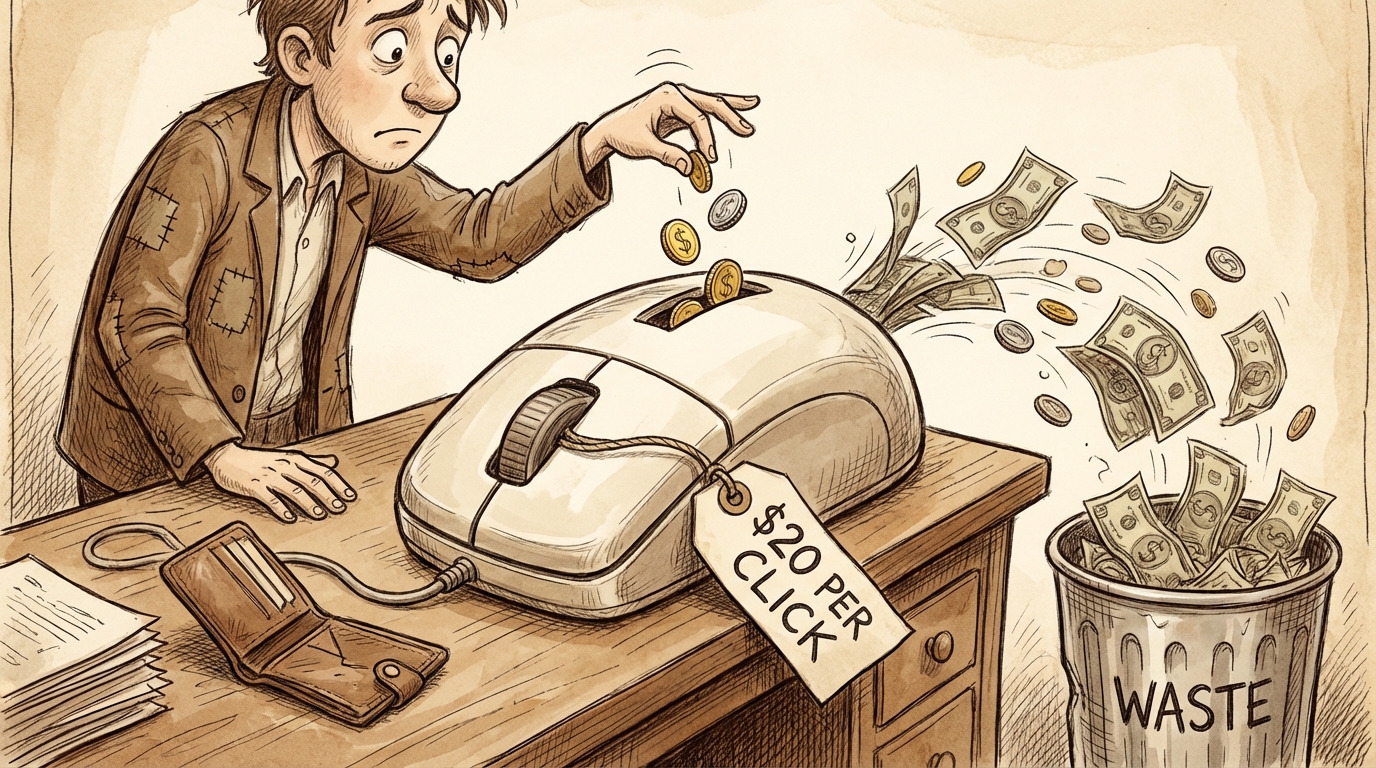
You’re paying $20 per click. The merchant lands on your page. Looks around for thirty seconds. Leaves.
They weren’t your target customer. They don’t have the problem you solve. They clicked out of curiosity, not intent.
You just spent $20 on nothing.
That’s the click trap. And most founders fall into it because they confuse reach with precision.
The Broad Targeting Mistake
When you start running ads, the instinct is to cast a wide net. Target “Shopify merchants” or “e-commerce store owners.” You want as many people as possible to see your ad.
That approach feels safe. More eyeballs mean more chances for conversion, right?
Wrong.
More eyeballs mean more wasted budget. Because most of those eyeballs aren’t attached to people who need what you’re selling.
A Shopify merchant selling handmade candles has different problems than one running a drop shipping operation. An app that solves inventory management for physical products is useless to a digital goods seller.
But broad targeting treats them all the same. Your ad shows to everyone. Most click out of mild interest. None convert because they’re not qualified.
The Keyword Problem
This gets worse with keyword strategy.
Most founders use broad match keywords. They bid on “Shopify app” or “e-commerce tools.” Google shows their ad for those searches plus anything remotely related.
Someone searches “best free Shopify apps.” Your ad appears. They click. They see your paid app. They leave.
You paid for that click. But that person was never going to buy. The word “free” in their search told you that. But your broad match keyword captured it anyway.
Campaign Separation
The fix starts with separating your campaigns.
Exact match campaigns. Target precise search terms that indicate buying intent. “Inventory management for Shopify Plus” or “abandoned cart recovery app Shopify.” These searches come from people who know what they need.
Broad match campaigns. Target discovery-phase searches. But run these separately with lower bids and different landing pages. These clicks cost less because conversion rates are lower.
When you mix exact and broad in one campaign, you average the performance. Your high-intent keywords subsidize your low-intent ones. You can’t see which is working because the data is combined.
Separate campaigns let you allocate budget based on performance. Spend more on exact match where conversion rates justify higher bids. Spend less on broad match and accept lower conversion rates.
Segment Your Audience
Not all Shopify merchants are equal. Your app probably serves a specific type of merchant better than others.
Maybe you’re built for Plus merchants. Or fashion stores. Or stores doing over $100K per month. That specificity matters for targeting.
If you target “all Shopify merchants,” you get everyone. Including the ones who aren’t a fit.
Store size matters. An app built for enterprise Shopify Plus merchants shouldn’t target hobby stores. The pricing doesn’t make sense. The features are overkill. But broad targeting doesn’t distinguish.
Niche matters. Some apps work better for specific verticals. If your app shines for fashion retailers, target fashion-specific keywords. Don’t bid on generic e-commerce terms.
Geography matters. If your support is primarily in English and your app targets US regulations, international traffic probably converts poorly. Adjust targeting accordingly.
The more specific your targeting, the higher your conversion rate. You might get fewer clicks, but the clicks you get actually matter.
The Tire Kicker Problem
Some clicks will never convert regardless of how good your targeting is.
Curiosity clickers. People browsing without intent to buy. They’re researching broadly. Maybe they’ll buy in six months. Maybe never. They’re not ready now.
Competitor research. Other app developers checking out your positioning. They click, evaluate, leave. You paid for competitor intel, not a customer.
Wrong solution seekers. People who think they need your type of solution but actually need something else. They realize that after landing on your page.
You can’t eliminate these entirely. But you can reduce them.
Negative keywords. Add “free,” “cheap,” “open source,” and similar terms as negative keywords if you’re running a premium product. Filter out searches that indicate budget constraints you can’t meet.
Ad copy specificity. Make your ad copy clear about who you serve. If you’re for Plus merchants, say that. If you require a minimum order volume, mention it. This filters out unqualified clicks before they happen.
Landing page clarity. Your landing page should clarify fit within seconds. Who this is for, what problem it solves, what it costs. Don’t make people hunt for whether they’re a match.
The Real Cost of Bad Targeting
The obvious cost is the click price. $20 wasted on someone who was never going to convert.
The hidden cost is opportunity cost. That $20 could have gone toward targeting someone who actually needs your solution. Your total budget is finite. Every dollar wasted on bad targeting is a dollar not spent on good targeting.
Over a month, that adds up. If 70% of your clicks are unqualified, you’re throwing away 70% of your ad budget.
Most founders see high CAC and think ads don’t work. But the problem isn’t ads. It’s targeting.
What Good Targeting Looks Like
Good targeting means your ad appears to people who need what you sell, have budget for it, and are actively looking.
That’s a narrow audience. Much narrower than “Shopify merchants.”
If you sell an inventory management app for stores with physical products doing over $50K per month, your targeting should reflect all three criteria:
- Physical product stores (exclude digital goods sellers)
- Revenue threshold (target searches indicating scale)
- Active problem (bid on “inventory management” not just “Shopify apps”)
This might reduce your total clicks by 80%. But your conversion rate increases 5x because the people clicking are actually qualified.
Lower volume, higher quality. That’s the math that makes ads profitable.
Monitor and Cut Ruthlessly
Targeting isn’t set-it-and-forget-it. You need to monitor which keywords and audiences convert.
Review search terms weekly. Google shows you what actual searches triggered your ads. Add poor performers as negative keywords.
Check conversion by segment. If one audience segment converts at 2% and another at 0.2%, shift budget from the low performer to the high performer.
Test tighter targeting. If broad targeting isn’t working, narrow it. Try targeting one vertical or one problem area. Measure results. Expand only if the narrow targeting proves profitable.
The goal is to eliminate spend that doesn’t generate customers. Every dollar should go toward clicks that have a reasonable chance of converting.
The Precision vs Volume Trade-off
Most founders want both precision and volume. They want lots of qualified clicks.
That rarely exists in B2B SaaS or Shopify apps. The audience that needs exactly what you sell is smaller than you think.
You have to choose: broad reach with low conversion or narrow reach with high conversion.
For most businesses with limited budgets, narrow reach wins. You can’t afford to waste money on clicks that don’t convert. Better to reach fewer people and convert them than reach thousands and convert none.
Once you have consistent profitability from narrow targeting, then you can experiment with broader campaigns. But start narrow. Prove that ads work with qualified traffic before trying to scale.
Landing Page Alignment
Your targeting only works if your landing page matches.
If your ad promises a solution for Plus merchants, your landing page better speak to Plus merchants. Don’t show a generic page that tries to appeal to everyone.
Match the pain point. If your ad talks about abandoned cart recovery, your landing page should lead with that. Don’t make visitors hunt for the feature they clicked for.
Address objections upfront. If your targeting is narrow, you know the objections. Address them immediately. Pricing, integration complexity, setup time - whatever usually stops people.
Clear CTA. Don’t offer ten different next steps. One clear action. Start a trial, book a demo, whatever converts best for your product.
A mismatch between ad and landing page kills conversion regardless of how good your targeting is. The person clicked expecting one thing. If they land somewhere else, they leave.
When to Scale
Scale ads only after you’ve proven profitability at small volume.
If you’re spending $1000/month and acquiring customers at a CAC that makes sense for your LTV, then increase to $2000/month. Test if efficiency holds.
If CAC increases significantly as you scale, you’re moving into less qualified traffic. Pull back and focus on what was working.
Most founders try to scale before proving profitability. They spend $10K on ads that don’t work instead of spending $1K to figure out what does work, then scaling that.
Frequently Asked Questions
What’s a reasonable cost per click for Shopify app ads?
It varies by category, but expect $5-$25 for competitive keywords. The question isn’t whether the CPC is high, it’s whether your conversion rate justifies it. A $20 CPC is fine if you convert 10% and your LTV is $500. It’s terrible if you convert 0.5%.
Should I target competitor keywords?
Depends on your positioning. If you’re a clear alternative to a competitor, targeting their brand terms can work. But expect high CPCs because they’re bidding on their own name. Only do this if your value prop is clear and distinct.
How many keywords should I target in one campaign?
Start with 10-20 closely related keywords. Too many keywords dilute your data and make optimization harder. Better to have three tightly focused campaigns with 10 keywords each than one campaign with 100 mixed-intent keywords.
When should I use broad match vs phrase match vs exact match?
Exact match for high-intent keywords where you want control. Phrase match for variations of your core terms. Broad match only for discovery, with low bids and separate campaigns. Start with exact match until you know what converts.
How long should I run ads before deciding they don’t work?
Give it at least 100 clicks to a specific landing page. Below that, you don’t have enough data to know if the targeting or the page is the problem. If after 100 clicks you have zero conversions to trial or demo, either your targeting is wrong or your offer isn’t compelling.
Key Takeaways
- Separate campaigns by match type: Exact match for high-intent buyers and broad match for discovery should never share a budget - run them separately to see what actually converts.
- Segment by fit, not just keywords: Target specific merchant types (Plus vs Standard), niches (fashion vs digital goods), and sizes (revenue thresholds) to eliminate unqualified traffic before it costs you money.
- Cut ruthlessly based on data: Review search terms weekly, add poor performers as negatives, and reallocate budget from low-conversion segments to proven winners.
Precision beats volume in paid ads. Every time.
You can’t afford to pay for traffic that won’t convert. Not when CAC makes or breaks your business.
Start narrow. Target the merchants who actually need what you built. Eliminate the tire kickers. Scale only what’s profitable.
That’s how ads work for bootstrapped SaaS. Not by reaching everyone, but by reaching the right people.
Ohad Michaeli
Strategic positioning for Shopify apps
Want more insights like this?
Join Shopify app founders who get actionable positioning and optimization strategies.